Overview
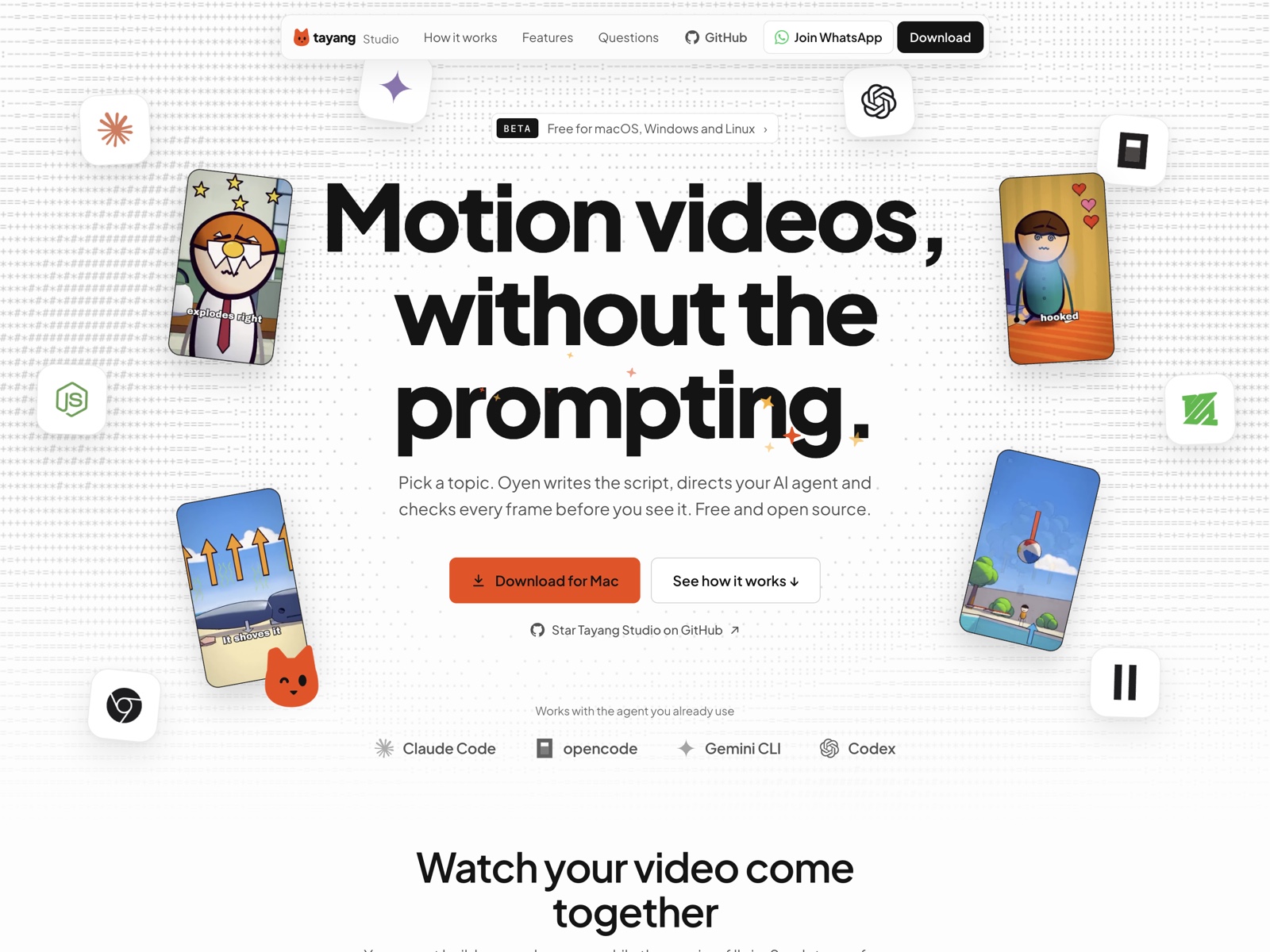
Tayang Studio makes motion videos without the prompting. You pick a topic, and Oyen, the app’s guide, writes the script, directs your AI agent and checks every frame before you see it. It runs on macOS, Windows and Linux, it’s free, and the code is open source on GitHub.
It works with the agent you already have: Claude Code, opencode, Gemini CLI or Codex. There’s no account and no extra AI subscription.
The problem
Coding agents can build a motion video, but only if you know what to ask for. Most creators don’t want to write prompts about scene timing, type sizes and render settings. They want to pick a topic and watch a video come together.
How it works
Every step gives you choices to tap, not a blank box to fill.
- Topic. Pick from ideas that fit your channel, or bring your own.
- Script. Oyen writes it scene by scene, with a hook in the first three seconds.
- Style. Choose a look from the library, or copy one from a video you like.
- Build. Your agent builds each scene while the preview fills in. Scrub to any frame, mark a spot and send it back to the chat.
- Render. Get a 9:16 MP4, ready for TikTok, Reels and Shorts.
Want something changed? Say it in plain words, in English or Bahasa Indonesia.
What makes it different
- Checked before you watch. The agent renders a still of every scene, looks for overlapping or cut-off text and bad timing, and fixes what it finds.
- Nothing runs without your OK. When the agent needs a tool like FFmpeg, the app shows the exact command first. Nothing happens on your computer until you allow it.
- Copy a look, not the footage. Paste a TikTok, Reels or YouTube link. The agent studies the camera, pacing, type and captions, and writes a style you can reuse.
- Your videos stay on your computer. Every project lives in a folder you choose, and the agent only works inside it.
Where it is now
Tayang Studio is in public beta. It installs with one command, updates itself, and checks for Node.js, FFmpeg and Chrome on first launch. Making videos is free; posting straight to TikTok, YouTube, Instagram and Facebook comes with a paid Tayang plan.